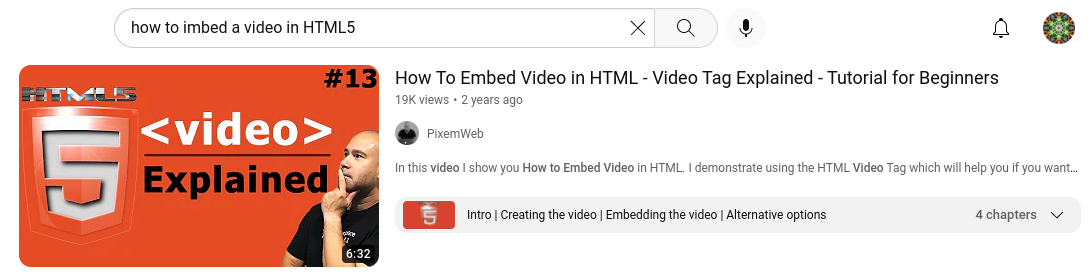
1. Find the video in Youtube you want to embed, for my example, I'll be using teh video I will show at the end of this tutorial.
2. After clicking the video, find the share button and click on it.

3. After clicking the share button click on the Embed button.

4. After clicking the Embed button you will see a screen that looks similar to this, copy the text it gives you.
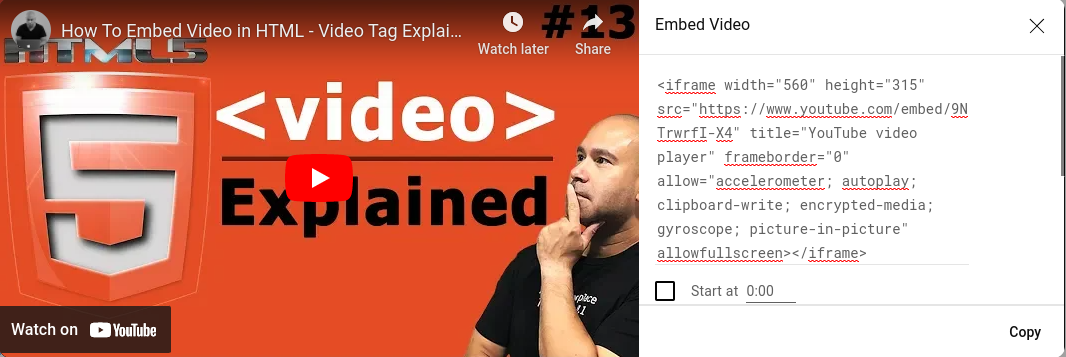
5. Go to your HTML editting service and paste the embed you got from youtube.

And you're done! You can view your webpage and the video should be there. Also, here is the video I was referencing if you need more help.